Innovation in education means sloving a real problem in a new, simple way to promote equitable learning.
unicef.org
SD#5 Design Lab fits innovation in the classroom because
- Students learn differently.
- STEM education
- Hands on learning
- Accessible to diverse learning styles
- An adaptable learning style.
- Promotes resilience for children who need nontraditional motivation in a classroom setting.
Activities in the lab
The ones that stood out for me were
Moxie Robot this is a emotional regulation robot build with AI programmed to help people understand their emotions and then helping them regulate. This robot is small and I think in a few years be accessible in every school to help children learn and explore one of the many ways to use AI in a safe environment.
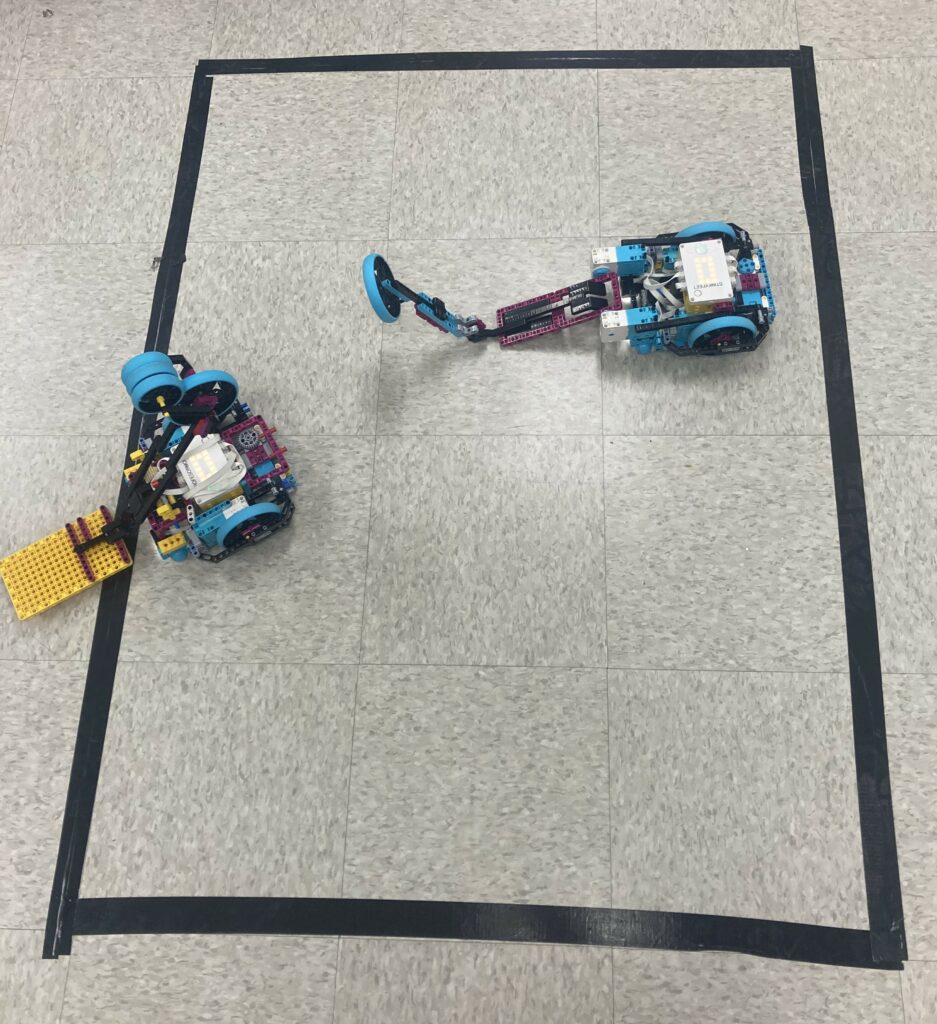
Lego Spike is an educational STEM tool for Kindergarten up to Grade 8 students to create their own robots, coding, and building model homes. With the subscription of Lego kits there is also a website instructors can access unit plans to incorporate into the classroom. I personally love these kits and that they have an educational resource to encourage teachers to use in the classroom and incorporate building Lego to any core subject.
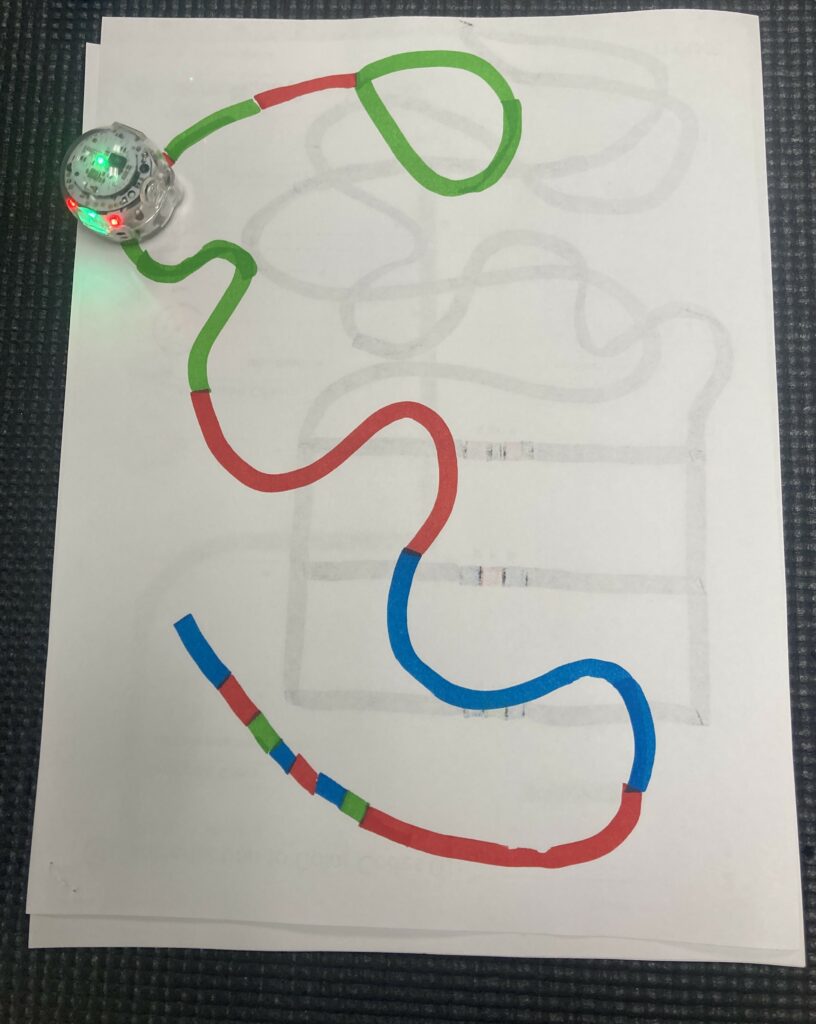
Ozobots are another educational tool to help student learn parts of STEM education and to explore core subjects. This one was my favourite to play with during our free time in the lab. I though of various ways to incorporate these robots into a younger elementary school by teaching colors, lines, shapes, and story telling from the robot’s point of view. This is a great starting point for students who want to learn coding and STEM education at an early age. These bots can help with hands on learning and connect subject matter for teachers as well.
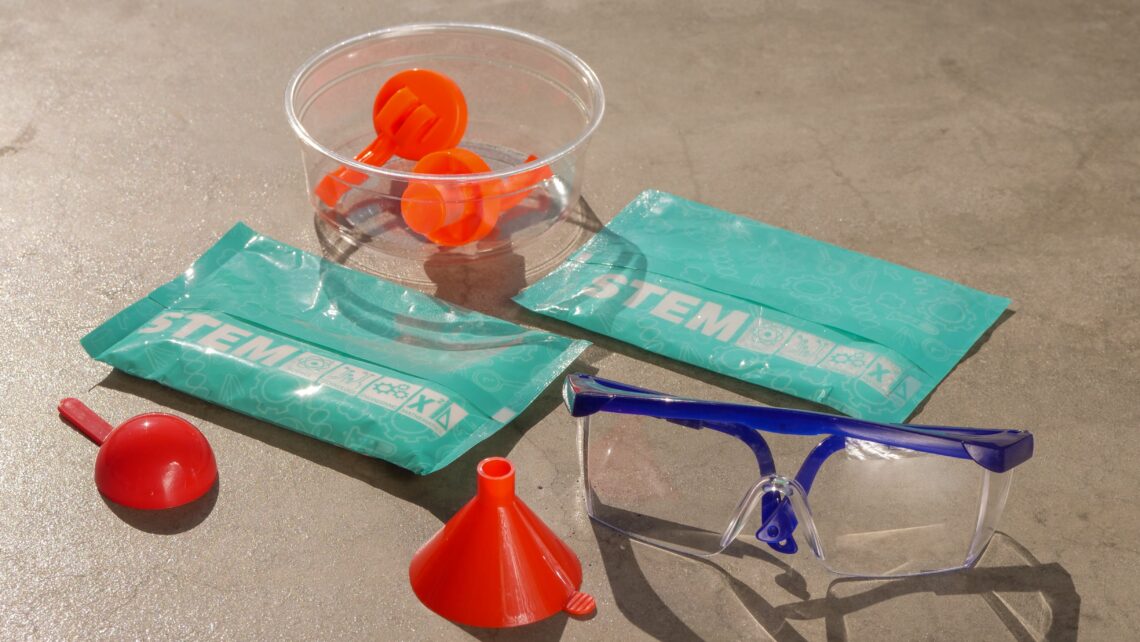
Ultimaker is a 3-D printer and includes design software to let students try 3D printing and an entry level to coding. This was lightly touched on in the class but is a great resource for students with a creative side. They can create art while also learning how to code and learn the software needed to have a successful piece made by the printer.
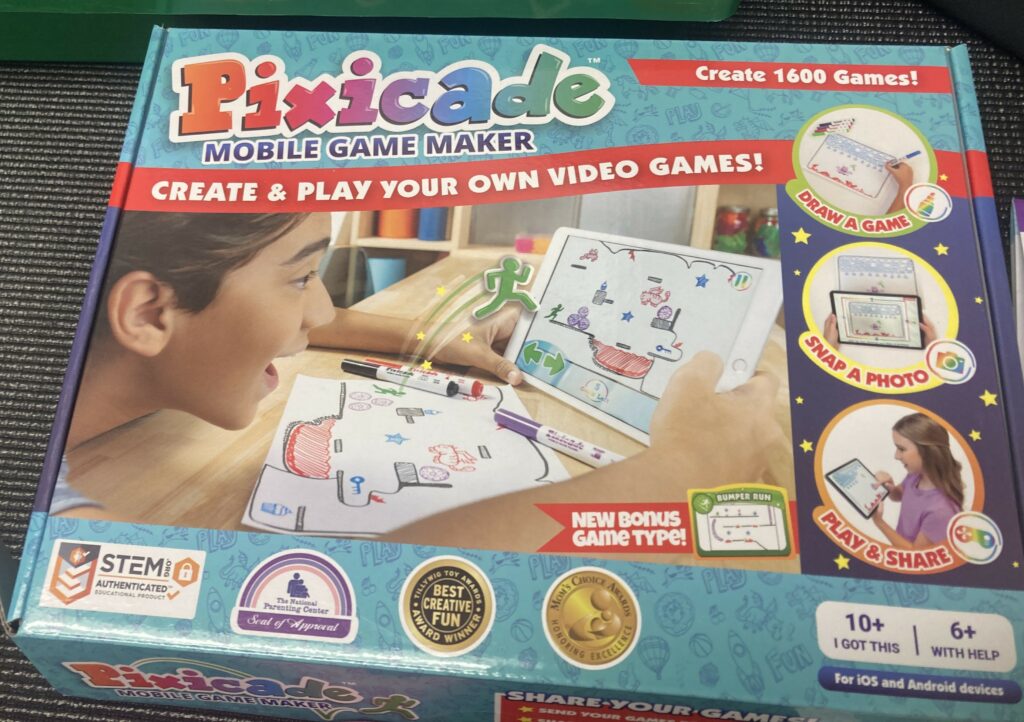
Pixicade is a board game and app to create inline games through a tablet device. This could be a great way to start young students with game creation and art. This helps student visualize how to create games like mazes, obstacle courses and many others. I think this would be great for younger elementary because the students get to explore game creation and for teachers to combine core subjects like art, science, math to learn about the different types of obstacles the students must make or how many lines need to be drawn. Again, I think this would be a great way to start young children to start using technology in the school in an educational way.
AutoDraw is an online drawing tool where students or teachers can draw a picture of something, and the AI tool autocorrects to the thing you are wanting to draw. This can help with children’s imagination and creativity if they do not feel confident in drawing. Or it can be used as a transition tool to help students get focused on the new subject matter. For example, let’s say the students came back from recess and to redirect them the teacher tries to draw a plant on the board because the unit in science is about plant life. the student could try to guess the answer before the AI tool, or it can be just for fun to redirect children in class as a brain break.
Quickdraw is a quick start to the day or a transition period during school because it helps students focus better because it is an art game where students have to draw an image and the AL system guesses what you are drawing using other peoples previous attempts
Activities I looked into
I choose to to look into pixicade, ozobots, Lego spike, and the 3D printer Ulitmaker.
All these programs are great tools to have in a future classroom because it lets students still work on schoolwork but in a nontraditional way. The three main activities I would implement into my classroom is Pixicade, Ozobots, and Lego spike because they are hands on learning and best for entry level STEM tools and to have the freedom of exploring and creating things in the classroom. they are more than worksheets they are all hands-on programs involving technology and with guidelines from the teacher create curriculum around the technology.
How do I envision this in my future classroom
To bring Stem into the classroom. Students can explore their creativity through hands on experience and relate the tech towards most core subjects like science, math, art, and depending on the project it can relate to English and social studies.
One project I can think of is using is the ozobots this can connect math, science, English, and art because ozobots can follow lines that have different colors and students can create a story inspired by the line they drew.
What projects would I choose to incorprate into my future classroom
I would use Lego in the classroom for stop animation and creating a story involving social studies subjects.
I would also us ozobots for STEM projects in the classroom. especially with younger elementary they need to have more hands on projects in the classroom.